Last updated: September 2026.
Google Maps for businesses is the free pin, profile and review presence that puts a local company in front of people searching nearby. Google Maps is a digital map and a local search engine, used by more than 2 billion people every month, and for most local businesses it is the first place a customer finds you.
Prefer a hand with the setup? DigiFix manages Google Business Profile management, and every engagement starts with a free consultation.
- Google Maps is a digital map and a local search engine, so it works as a discovery tool as well as a directions tool.
- The free listing behind it is a Google Business Profile, which supplies your hours, phone number, photos and reviews.
- Google Maps covers 250+ countries and territories and holds 300M+ businesses and places.
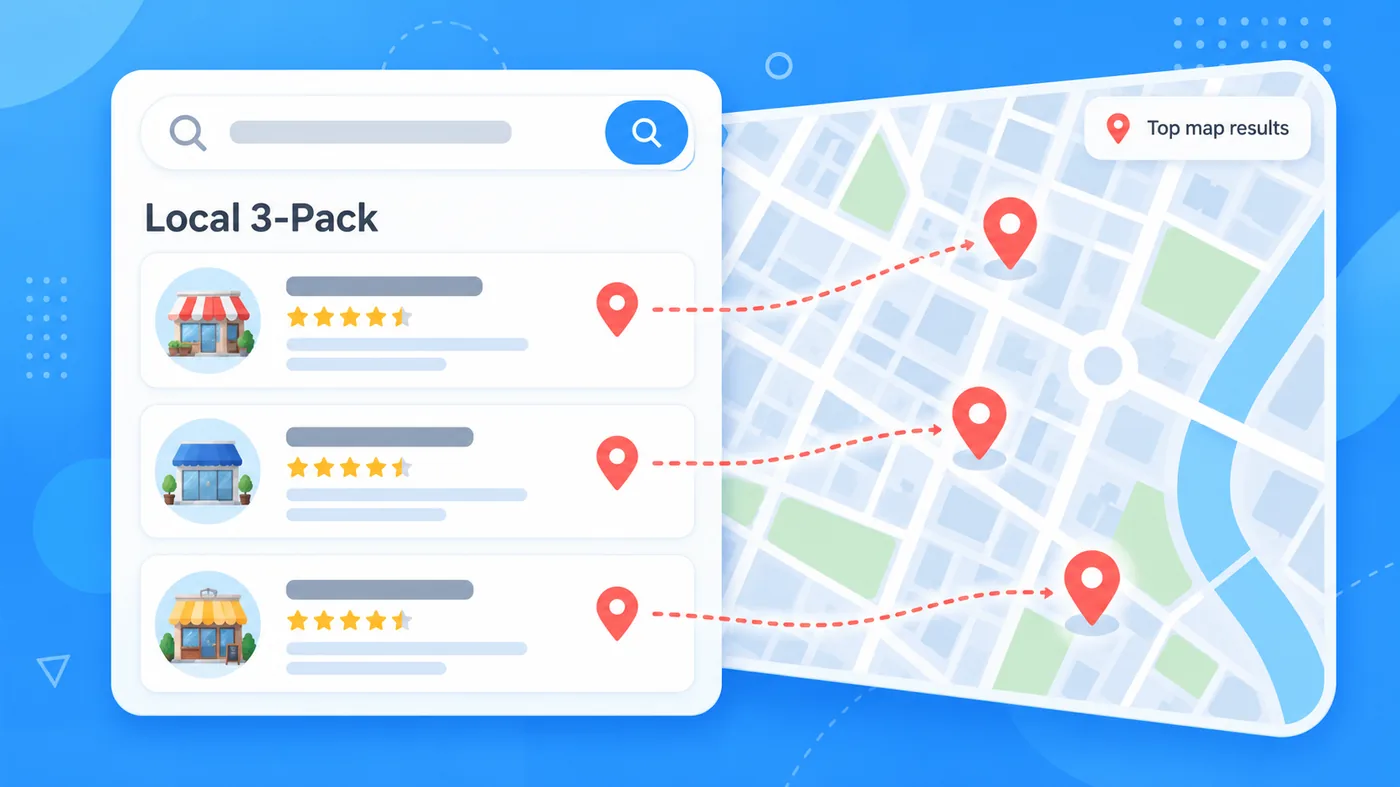
- The Local 3-Pack is the block of map results at the top of Google Search, and it is where most local clicks land.
- A complete Maps profile delivers ten practical benefits, from local rankings to insights about where your customers travel from.
What is Google Maps?
Google Maps is a digital map service and local search engine built by Google. It began as a tool for finding your way from one address to another, and it now works as a discovery platform where people research shops, trades, cafes and services before they travel.
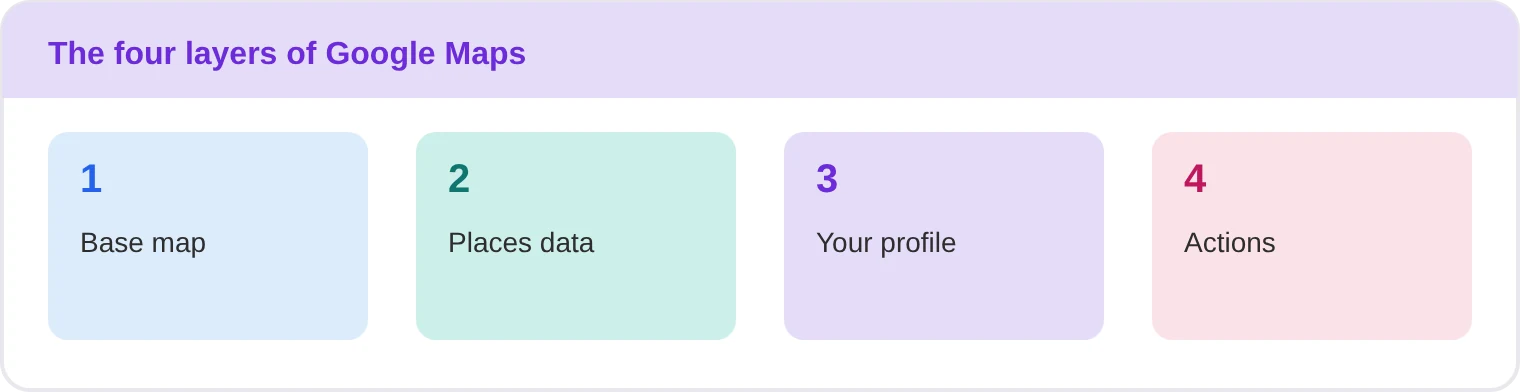
Four layers do the work. The base map draws the roads, the places database holds businesses and landmarks, your business profile holds details and photos, and the actions layer turns a view into a call or a booking.
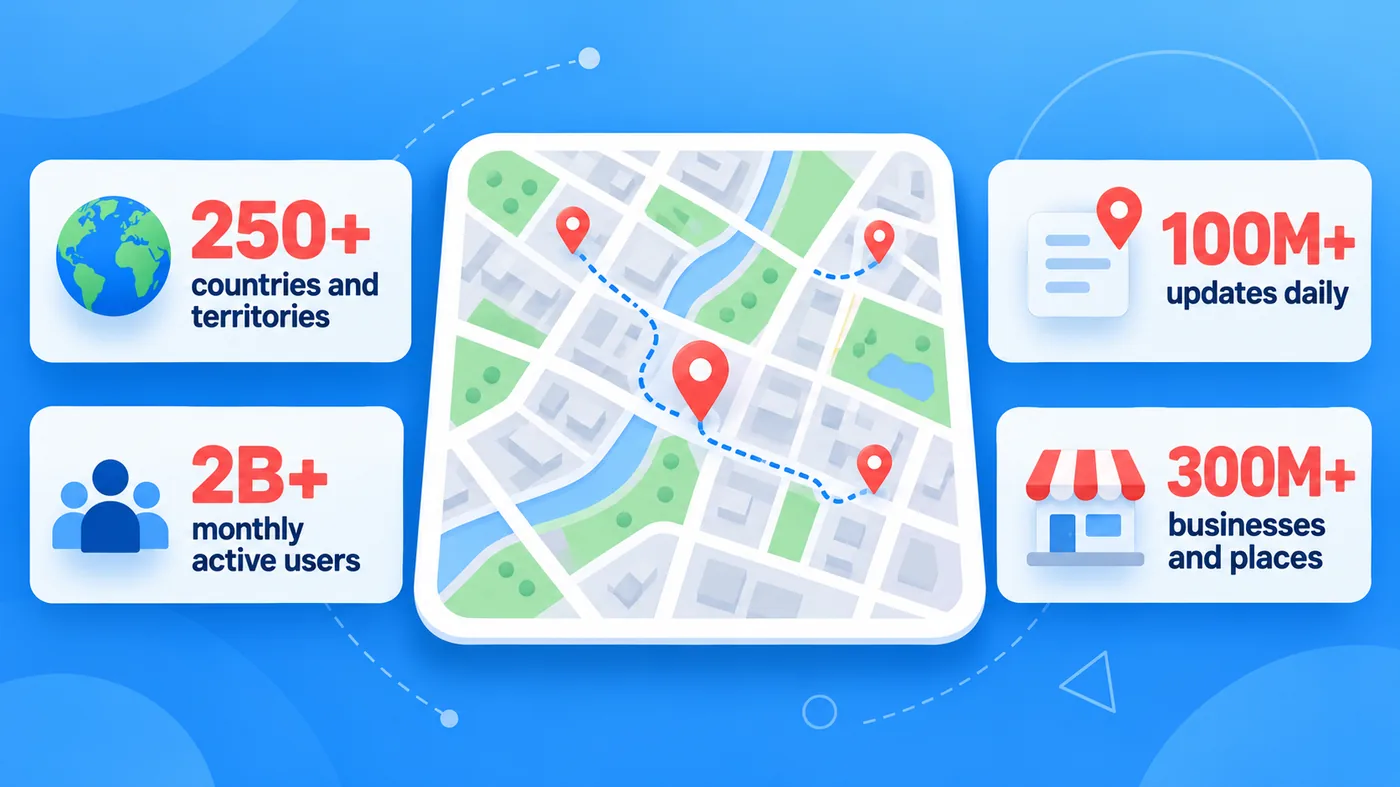
Google publishes the reach of those layers. Google Maps Platform states that its mapping tools cover 250+ countries and territories, serve 2B+ monthly active users, receive 100M+ updates daily and hold 300M+ businesses and places. The same page sits behind the paid APIs, which we cover further down.
Why does Google Maps matter for local businesses?
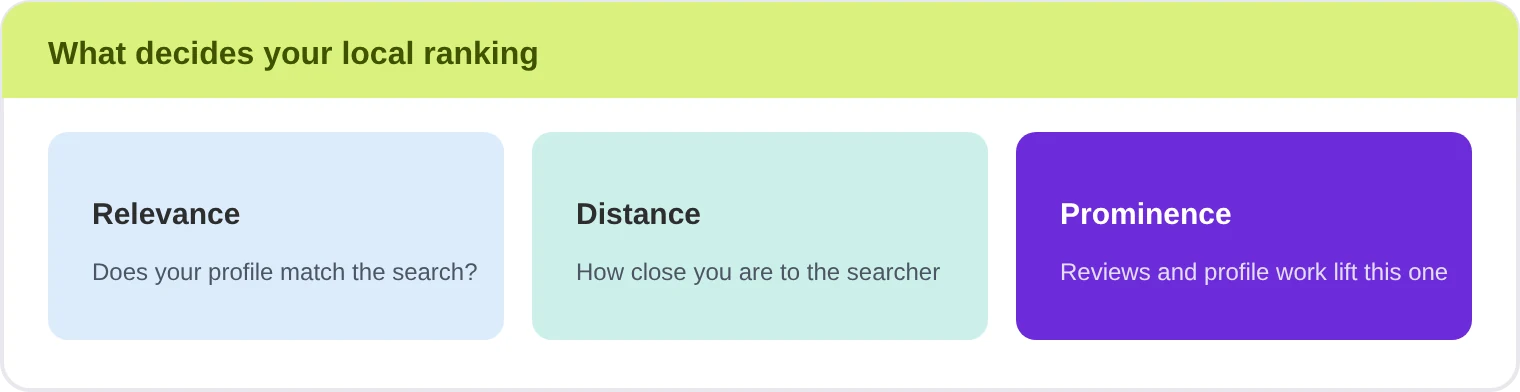
Local buying decisions increasingly start on a map rather than a results list. Google Business Profile Help states that local results are mainly based on relevance, distance and popularity, and that prominence draws on signals such as how many reviews you have and how often they mention your business. It also states plainly that there is no way to request or pay for a better local ranking.
That combination is why the map is worth the effort. You cannot buy your way up the organic local results, so the businesses that do the profile work get the visibility. Reviews carry much of that weight: BrightLocal’s Local Consumer Review Survey 2026 found that 92% of consumers care about star ratings when choosing a business, and 47% will not use a business with fewer than 20 reviews.
What are the 10 benefits of Google Maps for businesses?
These are the ten benefits DigiFix clients see most often. Some are earned for free by claiming a profile, and others require ongoing work on photos, reviews and answers.
1. Dominating local search
Your business can appear in the Local 3-Pack, the top map results on Google Search, which captures high-intent local traffic. Someone searching for a service nearby at 8pm is close to calling, and the three map results take the majority of those clicks.
2. A levelled playing field
Small, independent shops can rank alongside major chains when their profiles are well optimised with reviews and keywords. A single-location cafe in Bentleigh can outrank a national chain on the same search string, because the map rewards proximity and profile quality rather than advertising budget.
3. Cross-platform presence
Your information syncs automatically across Google Search, Google Assistant and Google Maps, so the details stay accurate everywhere. Fix your hours once and the change flows through to voice search, the map pack and your profile page without a second edit.
4. Frictionless navigation
Customers get precise, real-time driving, walking or transit directions straight to your door. That matters for first-time visitors and for trades with hard-to-find yards, because a customer who cannot find you is a customer who does not arrive.
5. One-click actions
Users can call your store, visit your website or book an appointment directly from the map interface. Every extra tap loses people, so a profile that carries all three actions converts a passing search into an enquiry without sending anyone to a contact page.
6. Real-time updates
You can instantly change temporary holiday hours, post special announcements, or update current stock availability. Managing expectations before a customer drives across town is cheaper than apologising at the counter, and it protects the reviews that follow.
7. Visual appeal
Merchant and customer photos show off your products, atmosphere and storefront before anyone arrives. A profile with recent photos of the real space earns more direction requests than one carrying a single logo, because people are checking whether the place suits them.
8. Direct messaging
Customers can send your business a message through the app to ask a quick question, which lifts engagement. Venue enquiries, stock checks and quote questions arrive in the same thread as the map, where the customer already is.
9. Performance insights
You can track exactly how people found you, through Search or Maps, and what they did next, such as calls, direction requests and website clicks. That data tells you which suburb is warming up and which profile detail needs work.
10. Audience geography
The insights panel shows the postcodes and neighbourhoods people are requesting directions from, which helps you aim future marketing. If a suburb over the river keeps asking for directions, it is worth testing an offer or an ad there.
How do the benefits of Google Maps compare at a glance?
Use this table to decide which benefits to fix first, then track them from a fixed monthly baseline.
| Benefit | Where it shows up | How to track it |
|---|---|---|
| Local search | Local 3-Pack | Map pack position |
| Levelled field | Keyword searches | Share of local searches |
| Cross-platform | Search and Assistant | Listing accuracy audit |
| Navigation | Directions tab | Direction requests |
| One-click actions | Calls, website, booking | Calls and site clicks |
| Real-time updates | Hours and posts | Update frequency |
| Visual appeal | Photo gallery | Photo views |
| Direct messaging | Chat threads | Reply time |
| Performance insights | Insights panel | Search versus Maps split |
| Audience geography | Direction locations | Requests by postcode |
Want all ten benefits handled for you? DigiFix sets up the profile, the photos and the review process, then reports the map actions each month. Start with a free consultation to see where your listing stands today.
What does the paid version of Google Maps offer?
Paid Google Maps for businesses splits into two separate products. One buys visibility for your own business inside the app, and the other puts map data inside software you build or use.
Google Maps Ads, explained
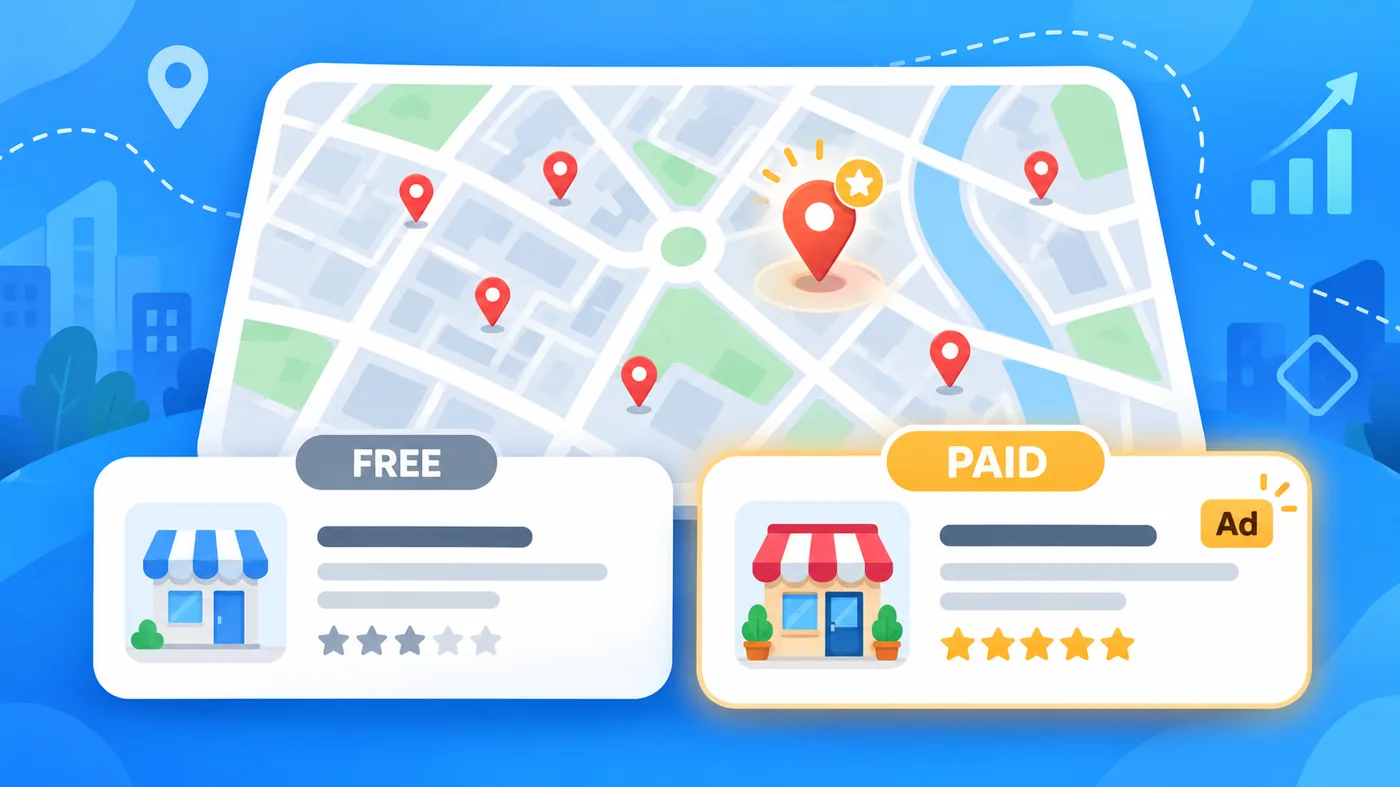
Google Maps Ads are promoted local listings that appear as a square pin instead of the standard teardrop, placing your business at the top of local results.
- Instant top placement: your business jumps to the very top of local search results with a distinct square pin.
- High conversion rates: local mobile searches carry strong intent to act, and often become a visit, a call or a set of directions.
- Cost-effective pay-per-click: you pay when a potential customer clicks to get directions, open your website or call.
- Enhanced local awareness: you stand out immediately from nearby competitors who rely on organic local search alone.
Google Maps Platform, explained
Google Maps Platform is the developer side: the APIs that embed maps, routes and place data into your own website or app. Google’s Routes API documentation lists waypoints, which let you set stops along a route, alongside real-time traffic and two-wheel routing.
- Trusted user experience: customers use familiar, real-time map interfaces, which reduces friction on your site or app.
- Advanced logistics and routes: you can integrate traffic-aware routing, multi-stop trips using waypoints, and accurate transit or walking directions.
- Rich location data: access verified global points of interest, satellite imagery and Street View.
- Scalable pay-as-you-go: usage scales up or down with transparent tracking and monthly credits.
Which should you choose, a free listing or paid ads?
Most local businesses should run both, in that order. The free profile is the foundation, and paid placement amplifies a listing that already converts.
| Option | What you pay for | Best for |
|---|---|---|
| Free Business Profile | Nothing | Every local business |
| Google Maps Ads | Per click | Competitive suburbs |
| Maps Platform APIs | Usage based | Apps and logistics |
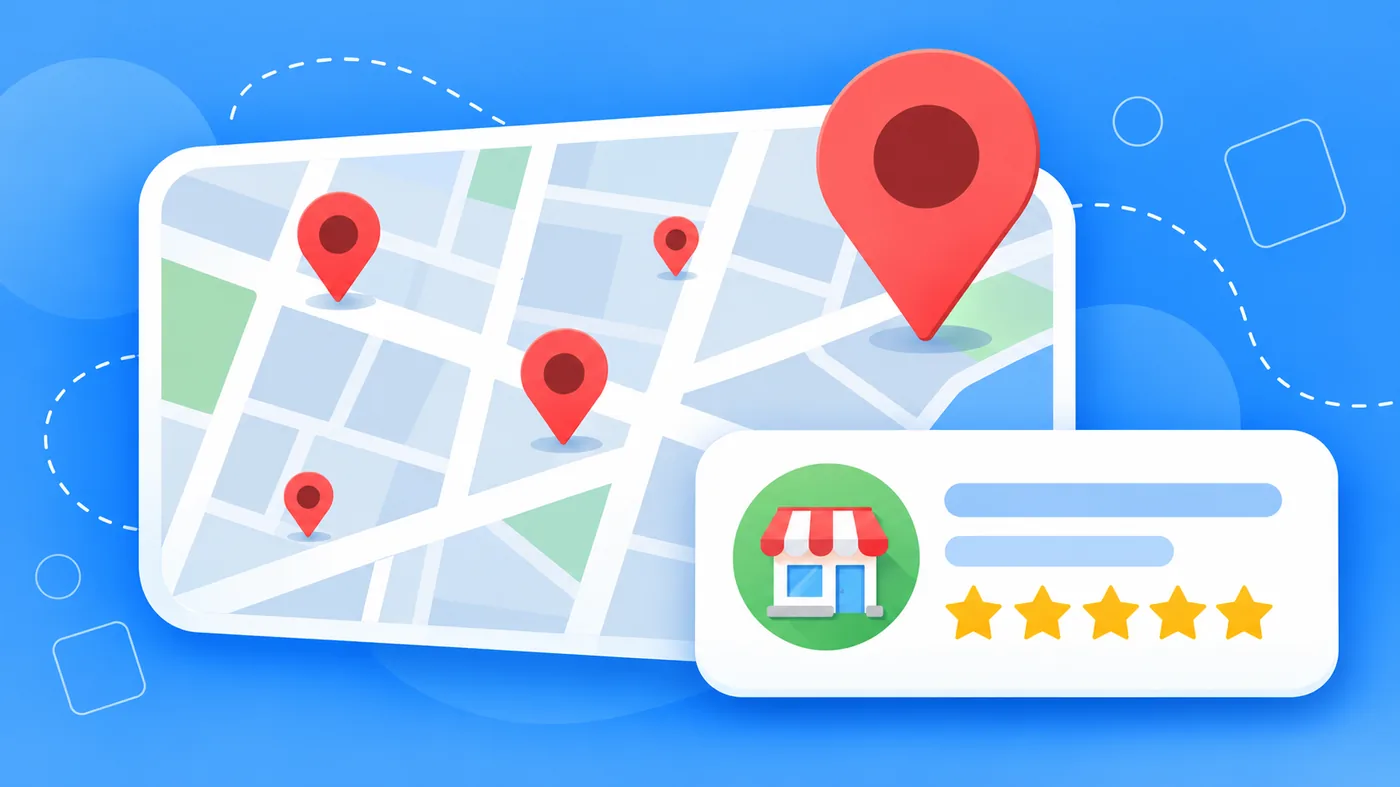
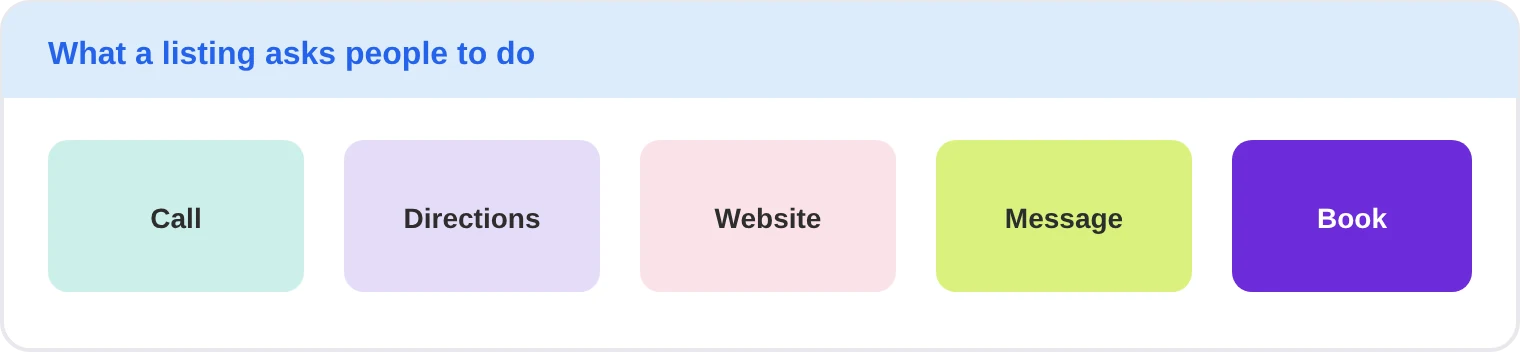
- Call your store from the profile button.
- Get directions by car, on foot or by public transport.
- Visit your website from the profile link.
- Message your business with a question.
- Book an appointment where you accept bookings.
What does Google Maps look like for a Melbourne business?
Picture a family-run bakery in Preston that has traded for nine years. It has 14 Google reviews at 4.2 stars, no photos added since 2021, and Christmas trading hours that still show last year’s dates. The shop is busy, so the owner has never treated the profile as a problem.
In the first month DigiFix would claim the profile, correct the hours and category, and add fresh photographs of the counter, the bread and the shopfront. Months two and three would add a review request at the till and reply to every review. By month six the listing typically carries 40 or more reviews above 4.6 stars, and the map pack starts sending direction requests from suburbs the bakery never targeted. Doing nothing costs nothing this week and enquiries every week after, because the map shows the shop as closed when it is open.
See what map visibility did for other Australian businesses. Our case studies show the map actions, calls and rankings we moved, and how long each shift took. Ask us for a free consultation before you commit to anything.
What mistakes stop Google Maps working for a business?
The first mistake is claiming the profile and leaving it. Stale hours and old photos send customers to a closed shop, and that produces one-star reviews about a problem you could have fixed in a minute.
The second is inconsistent details. Your name, address and phone number should match your website and your other listings, because mismatched details weaken the prominence signals that Google Business Profile Help names as a local ranking input.
The third is ignoring reviews. BrightLocal found that 80% of consumers are likely to use a business that responds to all of its reviews, while generic replies put off 50% of them. Related reading: how to attract more customers with local SEO, the benefits of a Google Business Profile, GMB features that lift customer interaction and why citations matter in local SEO.
Frequently asked questions about Google Maps for businesses
Is a Google Maps listing free?
Yes. A Google Business Profile costs nothing, and it is what puts your pin, hours, photos, phone number and reviews on Google Maps and in Google Search. You can also reply to reviews, post updates and read performance insights at no cost. Paid placement through Google Maps Ads is optional and sits on top of the free listing.
How do I get my business on Google Maps?
Claim or create a Google Business Profile, then verify it by postcard, phone, email or video. Add your exact name, address and phone number, choose the most specific category, set your hours and upload photographs. Verification is the step that takes longest, so start it before you plan any promotion.
How long does it take to rank in the Local 3-Pack?
Expect two to four months in a competitive suburb and less in a quiet one. Proximity is fixed, so the levers you control are relevance and prominence: a complete profile, a steady flow of recent reviews, consistent citations and posts that mention your services. Reviews alone will not move a thin profile.
What is the difference between Google Maps Ads and the Maps Platform?
They are different products with different buyers. Google Maps Ads are promoted pins that put your own business at the top of local search results, and you pay per click. Google Maps Platform is a set of developer APIs that embed maps, routes and place data inside an app or website you own, and you pay for usage.
Can one business appear in several suburbs?
Only with a genuine, staffed location in each area. Google expects one profile per real location, and extra profiles for suburbs you do not operate from risk suspension. A service area business can instead nominate the regions it covers, which widens where it is eligible to appear without inventing addresses.
What does Google Maps cost a business?
The free listing costs nothing beyond the time to maintain it. Google Maps Ads are priced per click, so the cost depends on competition in your suburb and category. Maps Platform is billed on usage, with monthly credits applied. DigiFix charges a monthly retainer for profile management, and the first consultation is free.
Ready to get found on the map? Bring your listing to a free 30 minute call with Nel Cooray and leave knowing exactly which of the ten benefits you are already earning and which ones you are missing.
Conclusion
Google Maps for businesses rewards the boring work. A complete profile, accurate hours, real photographs, replies to every review and a steady flow of new ones will out-earn a bigger advertising budget in most suburbs, because the map ranks relevance and prominence rather than spend.
Start with the free steps today: claim the profile, fix the details and add five photographs. When you want the listings, reviews and reporting handled for you, DigiFix manages Google Maps and local SEO for businesses across Melbourne and Australia, and we will tell you honestly whether you need us yet. You can read more about how DigiFix works on our about page and in the blog.