
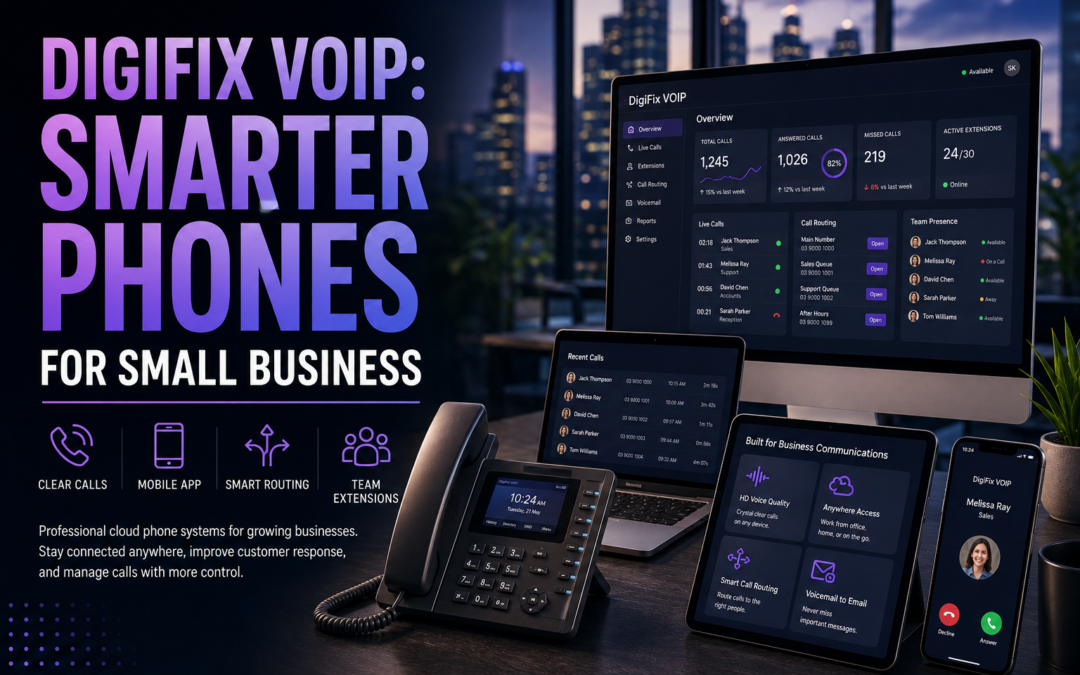
Small business owners are quietly retiring their old desk phones. DigiFix VOIP gives Melbourne teams a cloud-hosted phone system that works from a laptop, a mobile app or a desk handset. It is one of the simplest upgrades a growing business can make this year.
Key Takeaways
- Full disclosure: this guide is published by DigiFix, the company behind the VOIP phone system described here.
- Cloud-hosted VoIP systems are generally more affordable and easier to scale than traditional landlines.
- The service includes call routing, mobile and desktop apps, and optional AI call answering for after-hours cover.
- VoIP systems can integrate with CRM records so call history stays connected to customer data.
- Most small businesses can move from landline to a VoIP phone system without major disruption.
- A free, no-obligation consultation is the easiest way to work out what your business actually needs.
DigiFix VOIP is a managed business phone system built for small teams who want the features of a large call centre without the cost or complexity. It replaces a physical phone line with a cloud connection, so calls can be answered on a mobile, a laptop or a handset. For a Melbourne business juggling staff, customers and suppliers, that flexibility matters more than ever.
This guide is written to be useful whether or not you choose DigiFix. We will explain what to look for in any VoIP provider, then show how the service is set up, supported and paired with AI call answering. Along the way we will compare it against a traditional landline, so you can see exactly where the differences show up on a monthly bill.
Australian small businesses have an added reason to think about this now. As the national copper network is progressively retired in favour of the NBN, many landline services are being switched off entirely. Moving to a cloud-hosted business phone system ahead of that deadline avoids a last-minute scramble.
Not sure where to start?
A short conversation is often the fastest way to work out whether a VoIP phone system suits your business. Book a free chat and we will walk through your current setup together, with no pressure to commit to anything on the call.

What Is a VoIP Phone System and Why Small Businesses Are Switching
VoIP stands for Voice over Internet Protocol. Instead of sending calls down a copper line, it sends them as data over your internet connection. That single change opens up a lot of flexibility that a landline simply cannot offer.
A traditional phone system is tied to one location and one handset. A VoIP phone system follows the person, not the desk. Staff can answer calls from home, from a job site or from a mobile app while travelling between meetings.
This matters more for small teams than it first appears. A tradesperson, a clinic receptionist or a small agency owner all share the same problem. Customers expect someone to answer, regardless of where staff happen to be standing that day.
Landlines versus cloud calling
Landlines require physical wiring, on-site hardware and a technician visit for most changes. Adding a new staff member often means waiting for an installer, and moving office can mean losing the number entirely.
Cloud-hosted VoIP systems are generally more affordable and easier to scale than traditional landline setups, according to HubSpot’s research on business phone service. New lines can usually be added in minutes through an online dashboard, and businesses also gain access to useful call analytics and insights that a landline never provided.
There is also the question of resilience. A landline outage usually means an on-site technician and a wait of several days. A cloud system can often be rerouted to a mobile number within minutes while an issue is investigated.
DigiFix VOIP: Features That Actually Matter for Small Teams
Not every VoIP feature matters to a small business. Plenty of platforms are built for enterprise call centres with hundreds of agents, and most of that complexity is wasted on a team of five or fifteen people. The system focuses instead on the handful of tools that genuinely change how a team answers calls day to day.
Call routing and mobile apps
Call routing sends incoming calls to the right person or team automatically. A customer calling about billing can be directed differently to one calling about a new enquiry, without any manual transferring.
Mobile and desktop apps mean staff are never chained to a desk phone. A tradesperson on site or a consultant working from home can still answer the main business number as if they were sitting in the office. Calls can also be transferred between team members without the customer needing to hang up and redial.
Number flexibility across locations
A cloud phone system is not limited to a single office. A business with more than one Melbourne location, or a team that splits time between a shopfront and a warehouse, can run every number through the same platform.
New numbers can also be added for specific marketing campaigns, so it becomes clear which advertising channel is actually generating phone enquiries. That kind of tracking simply is not possible with a single fixed landline.
Call analytics and CRM integration
VoIP systems can integrate with CRM records so call history and customer data stay connected, a point highlighted in HubSpot’s overview of VoIP trends. That means a staff member can see previous call notes before they even pick up the phone.
Whichever provider you choose, this kind of visibility is worth asking about early. It is one of the clearest signs of a modern business VoIP setup versus a basic calling app that only handles dial tone.

Cost and Flexibility: Landlines Compared With Cloud VoIP
Every small business owner asks the same question early on. How much does it actually cost to move away from a landline, and what do you gain in return? The table below sets out the main differences at a glance.
| Factor | Traditional Landline | Cloud VoIP Phone System |
|---|---|---|
| Monthly cost | Fixed line rental plus call charges | Can lower monthly phone costs versus copper lines |
| Scaling up or down | Requires physical wiring and technician visits | New lines added online in minutes |
| Working from anywhere | Tied to one physical location | Mobile and desktop apps, any location |
| Call insights | Little to no reporting | Call analytics and CRM integration |
| After-hours cover | Voicemail only | Optional AI call answering |
Swipe to scroll the table on mobile
There are also hidden landline costs that rarely show up until later. Call forwarding, additional handsets and after-hours diversion are often billed as extras, while a cloud system usually bundles these into the one monthly plan.
DigiFix is a Melbourne digital marketing agency, and we notice the same pattern across almost every client we work with. Once phone and marketing systems are connected, follow-up gets faster and fewer enquiries fall through the cracks. If you would like a second set of eyes on your current setup, you can book a short, no-pressure call with our team to talk it through.
See what a VoIP phone system could look like for your team
Get a walkthrough tailored to your call volume, staff numbers and current phone bill, so you can compare it directly against what you pay now.
How the Service Is Set Up and Supported
Setup typically starts with porting your existing business number across, so customers keep dialling the same digits. New numbers can also be issued for extra locations or campaigns, without waiting on a physical installation.
Once numbers are ready, the DigiFix team configures call routing, voicemail and the mobile app for each staff member. Business hours, holiday greetings and escalation rules are set up during this stage as well. Most small teams are fully switched over within a couple of weeks, with minimal disruption to daily calls.
Support does not stop after setup. Changes such as adding a new starter, updating a greeting or adjusting after-hours rules can be handled quickly, without waiting on a lengthy service call. You can read more about how the wider service fits together on the DigiFix’s VOIP service page.
Three Steps From Landline to Cloud Calling
Book a call and review your current numbers, staff and call volume.
Numbers are ported and the phone system is configured with routing and apps.
Staff answer calls from anywhere, with ongoing support included.
Most businesses move through these three steps without needing to change their advertised phone number at all. Existing marketing, signage and business cards keep working exactly as before.
Pairing VOIP With an AI Receptionist for After-Hours Cover
Missed calls after hours often mean missed business. A voicemail box rarely converts as well as a real answer, even an automated one, because most callers simply hang up and try a competitor instead.
Around 60% of consumers want companies to adopt voice AI technology, according to Statista’s research on consumer attitudes to conversational AI. That appetite is part of why pairing a VoIP phone system with AI call answering has become such a natural next step for small businesses.
The phone system can be connected to DigiFix’s AI call agents, so calls outside business hours are answered, questions are handled and details are captured for follow-up the next morning. Rather than a generic voicemail greeting, callers get a real conversation and a message that lands directly with the right staff member.
This pairing is optional, and plenty of businesses run happily with routing and mobile apps alone. It tends to matter most for businesses that take enquiries outside a nine-to-five window, such as trades, clinics and hospitality. You can read more about how that works in our related article on DigiFix AI Call Agents.

Is your business phone system holding you back?
Tick anything that sounds familiar, then see where you land.
Choosing the Right VoIP Provider for Your Business
Whether you go with DigiFix or another provider, a few questions will help you compare options fairly.
Ask how quickly new lines can be added, whether call analytics are included, and whether the system integrates with the CRM you already use. Ask about support response times, not just setup speed, since ongoing help matters far more once the system is live.
Also ask whether AI call answering is available as an add-on. Even businesses that do not need it today may want the option later, once call volume grows or opening hours expand.
Reliability and uptime are also worth confirming upfront. A good provider should be able to explain what happens during an internet outage and how quickly a fault is usually resolved, rather than leaving you to find out during a busy trading week.
DigiFix approaches this as part of a wider digital marketing offering, so phone systems, websites and lead follow-up all work together rather than sitting in separate silos. You can browse the full range on the DigiFix digital marketing services hub. More about the team behind the work is on the DigiFix about page.
Ready to talk phones?
The consultation is free and there is no obligation to proceed. We will simply look at your current setup and tell you honestly whether it is a good fit for your business.