

AI website design for Melbourne small businesses is quietly changing what a website can do, from smarter chat widgets to layouts that adjust based on what a visitor actually needs. It is no longer just a buzzword agencies throw around.
Key Takeaways
- 94 percent of first impressions relate to a website’s design, so getting the basics right still matters most.
- 42 percent of visitors leave a site because of poor functionality, something AI tools can help catch early.
- AI features work best layered on top of a fast, well-structured site, not as a replacement for one.
- Chatbots, smart search and personalised content are the most practical AI additions for small business sites.
- A free consultation can clarify which AI features are actually worth the investment for your business.
Plenty of Melbourne small business owners hear about AI website design and picture something complicated or expensive. In practice, AI website design for Melbourne small businesses usually means a handful of practical features layered onto a solid, well-built site.
What AI Website Design for Melbourne Small Businesses Actually Means
At its core, it means using artificial intelligence to make a website smarter about who is visiting and what they need, rather than showing every visitor the exact same static page regardless of intent.
HubSpot research shows that 94 percent of first impressions relate to a website’s design, and the same research found that 42 percent of people will leave a site because of poor functionality. AI features cannot fix a slow, confusing website, but they can make a well-built one noticeably more helpful.
AI Is an Addition, Not a Substitute
A chatbot bolted onto a slow, outdated site will not rescue the experience. Good web development fundamentals, speed, clear navigation and mobile friendliness, still come first.
Once those fundamentals are solid, AI features start adding real value instead of covering for weaknesses elsewhere on the site.
Think of it the same way a shopfront works. A beautiful digital assistant greeting customers at the door does little good if the shop itself is cluttered, poorly lit and hard to navigate once they step inside.
Melbourne small businesses that get the best results tend to treat AI as the final layer of polish, added after the core site already converts well on its own, rather than as a rescue plan for a struggling one.
This matters even more for service businesses competing in crowded local suburbs, where a slow or confusing site can push a frustrated visitor straight to the next search result and a competitor just one click away.
Curious which AI features would actually suit your site? Book a free consultation and get a straight answer, not a sales pitch.
Practical AI Features Worth Considering
Smart Chat Widgets
A well-trained chatbot can answer common questions about pricing, hours and services at 2am, capturing a lead that would otherwise have simply closed the tab and moved to a competitor’s site.
Personalised Content Blocks
Showing returning visitors different content to first-time visitors, based on what they previously viewed, keeps a site feeling relevant rather than generic every single visit.
Smarter Internal Search
AI-assisted search understands intent behind a typo or a vague query, rather than returning no results for anything that is not an exact keyword match.
Content That Supports SEO
AI tools can speed up drafting content, but it still needs a human edit and a proper SEO services strategy behind it to actually rank and read naturally.
Automated Image and Alt Text Suggestions
AI can suggest descriptive alt text for product and service images, saving time on a task that is easy to skip but matters for both accessibility and search visibility.
Basic Lead Scoring
Some AI tools can flag which enquiries look most likely to convert based on behaviour on the site, helping a small team prioritise follow-up calls without guessing which leads to chase first.
Dynamic FAQ Suggestions
Some platforms can surface likely follow-up questions based on what a visitor is already reading, turning a static FAQ section into something closer to a conversation that anticipates what they want to know next.
| AI Feature | Main Benefit | Good Fit For |
|---|---|---|
| Chat widget | After hours lead capture | Service businesses |
| Personalisation | Repeat visitor engagement | Retail and ecommerce |
| Smart search | Fewer dead end searches | Larger catalogues |
| AI assisted content | Faster page production | Content-heavy sites |
Swipe to scroll the table on mobile

Not sure which AI features fit your budget?
Get a free, honest assessment before spending a dollar on new technology.
Does a Faster, Smarter Site Really Rank Better?
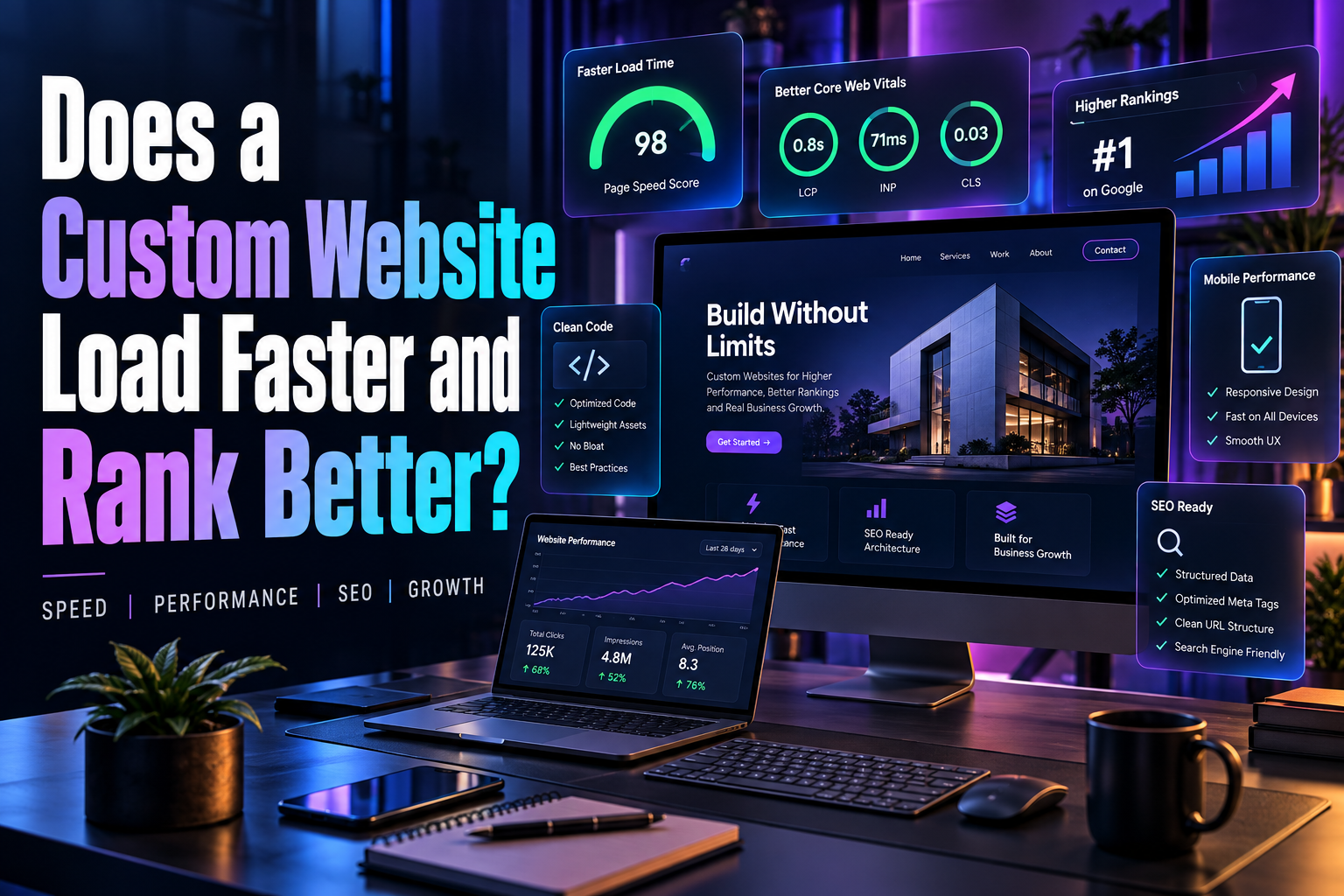
Speed and structure still matter enormously for search rankings, regardless of how clever the AI features on top are. A custom-built site generally loads faster and ranks better than a bloated template crammed with plugins.
DigiFix has found that clients who rebuild on a clean, custom foundation before adding AI features see far more consistent results than those who try to bolt AI onto an ageing, slow site and hope it compensates for the lag.
That order of operations matters. Fix the foundation first, then layer intelligence on top, rather than treating AI as a shortcut around proper technical work.
Search engines also increasingly reward sites that load fast and respond well on mobile, since those signals tie directly to how long a visitor actually stays and whether they convert. AI features that slow a page down can quietly undo any ranking benefit they were meant to support.
Common Mistakes Small Businesses Make With AI Features
The first mistake is adding a chatbot with no real content behind it, so it ends up giving vague or unhelpful answers that frustrate visitors more than a simple contact form would have.
The second mistake is publishing AI-generated content without a proper human edit. Readers and search engines both tend to notice generic, repetitive writing that has not been shaped by someone who actually knows the business.
The third mistake is adding AI features purely because a competitor has them, without checking whether they solve a real problem for your own customers and your own site.
Copying a competitor’s feature set without understanding why it works for them can waste budget on something your own customers never actually wanted in the first place.
A fourth mistake is forgetting to test how AI features behave on mobile. A chat widget that covers the call button on a phone screen can quietly cost more leads than it generates.
A fifth mistake is never reviewing chatbot transcripts. Those conversations are a free source of insight into what customers are actually confused about, yet many businesses never look at them after setup.
A sixth, smaller mistake is forgetting to tell customers an AI tool is involved at all. Being upfront about a chatbot, rather than pretending it is a person, tends to build more trust than it costs in novelty.
Fix speed, structure and mobile experience first
Add one AI feature at a time and measure it
Keep a human reviewing content and conversations
A sensible order for adding AI to a small business website.
What a Realistic Budget Looks Like
A simple chatbot and basic personalisation can often be added to an existing well-built site for a modest monthly cost, while more advanced AI-driven features usually make more sense bundled into a broader rebuild.
Business owners often assume AI features require a huge upfront investment, when in reality many tools now run on affordable monthly subscriptions that scale with how much traffic and how many conversations a site actually generates each month.
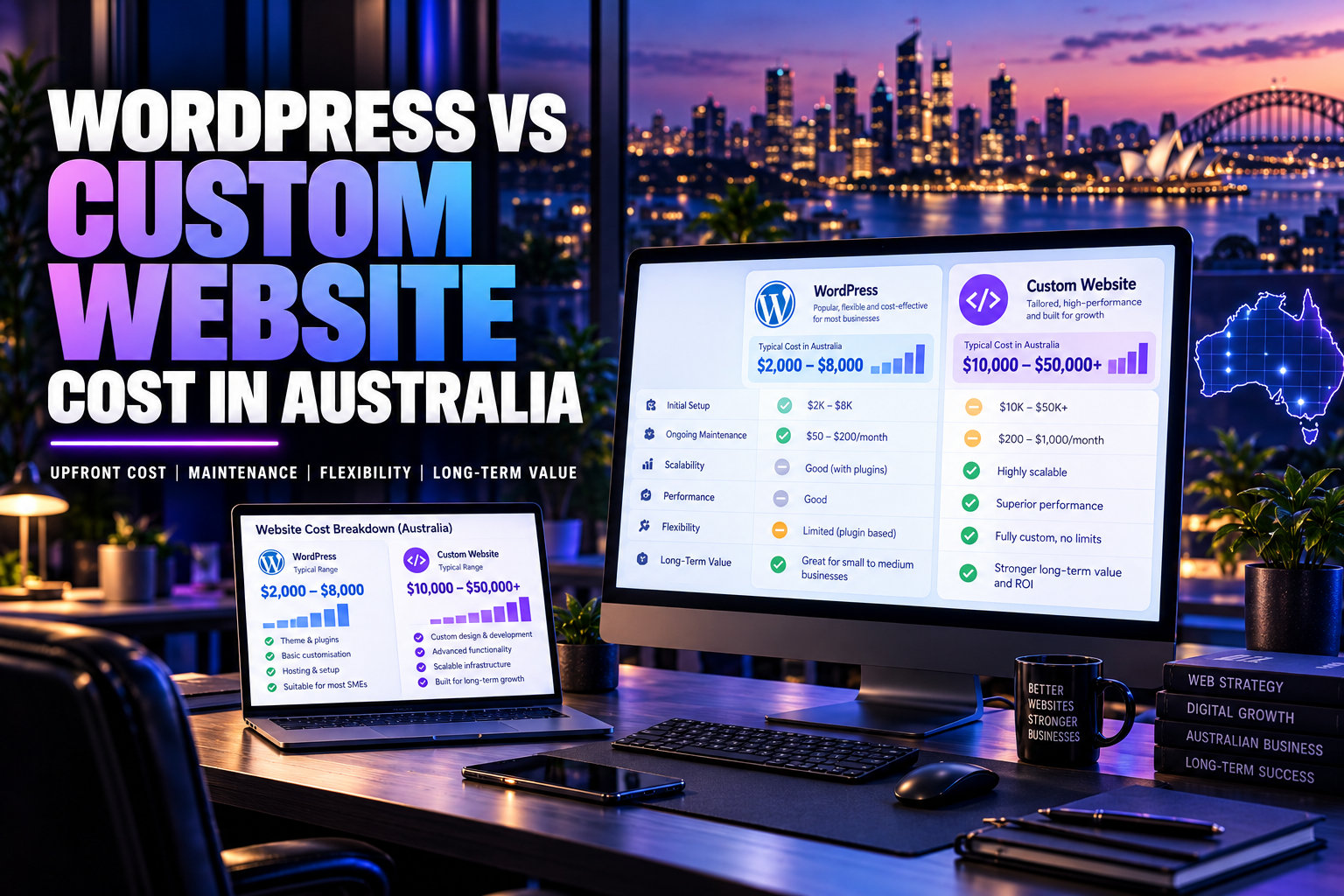
Comparing a WordPress rebuild against a fully custom build is worth doing before committing budget either way, since the right base platform changes what AI features are realistically achievable and how much they will cost to maintain.
A WordPress site with the right plugins can handle most of these AI additions comfortably for a typical small business, while a fully custom build offers more flexibility for larger catalogues or more complex personalisation needs down the track.
DigiFix has helped small businesses navigate exactly this decision, including the kind of rebuild shown in the Melbourne Refrigeration and Catering Equipment case study, where a modern, fast rebuild came before any AI layer was even considered.
It is also worth budgeting for ongoing maintenance, not just the initial setup. AI tools, chat widgets and search features need occasional retraining and monitoring to stay useful as a business adds new services or products over time.
How to Measure Whether AI Features Are Actually Working
Track how many enquiries a chatbot actually converts into genuine leads, not just how many conversations it starts. A high conversation count with few real enquiries usually means the bot needs better training, not more traffic.
Watch bounce rate and time on page before and after adding personalisation or smart search. A genuine improvement shows up in visitors staying longer and viewing more pages, not just in a vague sense that the site feels more modern.
Review chatbot transcripts monthly for recurring questions. If the same question keeps coming up, that is a strong signal the website itself should answer it clearly, rather than relying on the bot to explain it every single time.
Finally, compare enquiry quality before and after any AI change, not just enquiry volume. A feature that generates more messages but lower quality leads is not necessarily an improvement, even if the dashboard numbers look busier than before.
You can read more about how the team approaches these projects on the About Us page, and browse recent work on the web development blog for more examples.
Is Your Site Ready for AI Features?
Tick every statement that is true for your current website.
Whatever your score, a free consultation with DigiFix can map out a sensible order for adding AI features without wasting budget on the wrong ones first.
Ready to see what AI could realistically do for your site?
Claim a free, no-obligation consultation. No jargon, just a clear, honest plan.